1. Why Redundancy Matters
Digital navigation and traditional land‑nav each have blind spots — and even within digital, a handheld GPS and a smartphone fail differently, which is exactly why carrying both beats arguing about which is better:
| Tool | Strengths | Weaknesses |
|---|---|---|
| GPX + Phone/GPS | Instant position, breadcrumb logging, altitude & pace data | Battery drain, screen glare, satellite dropout, device failure |
| Map & Compass | Works offline, immune to batteries, big‑picture terrain view | Requires skill, slower to pinpoint position, easy to misread declination |
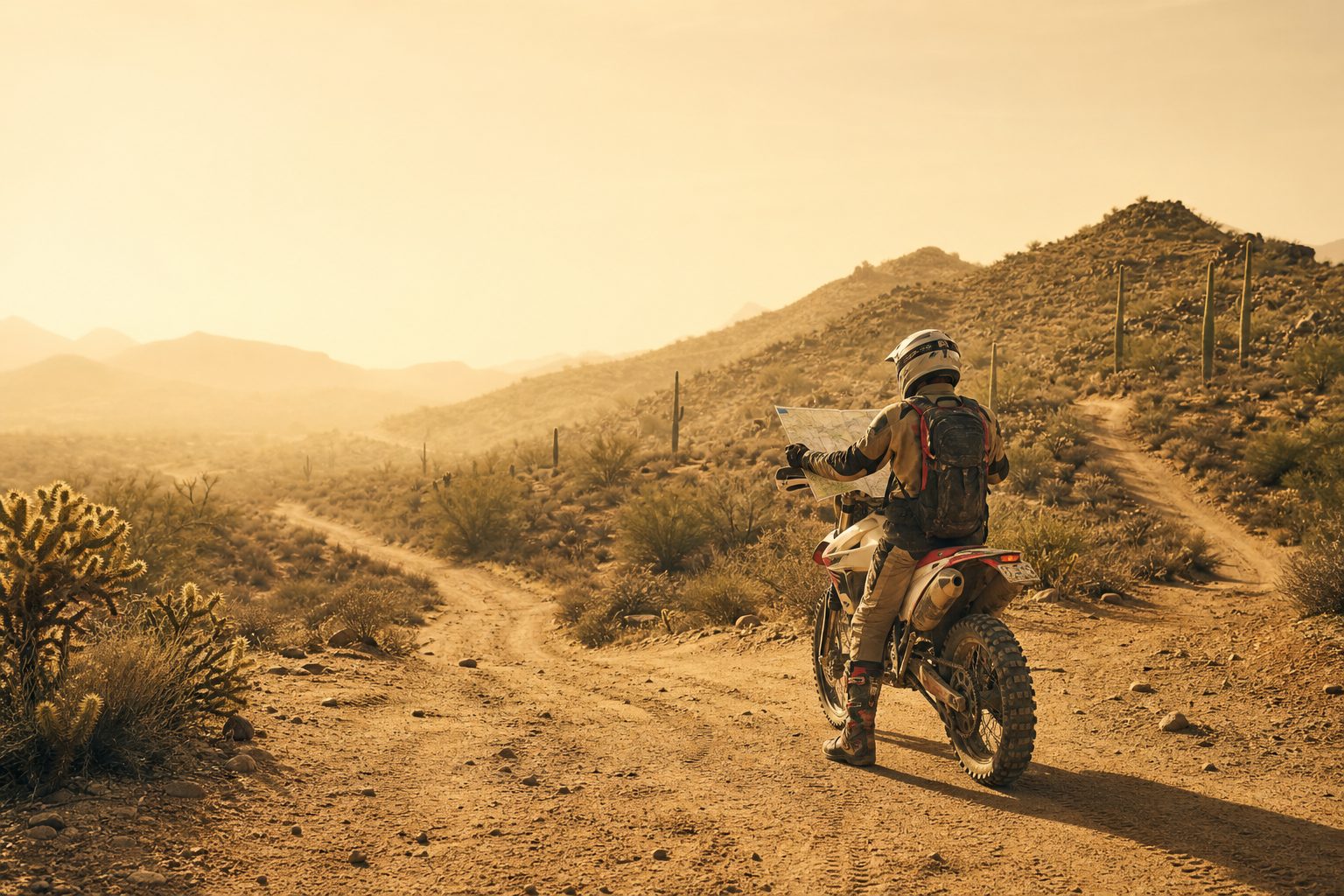
Using both together creates overlap—if one fails, the other keeps you on course.
2. Pre‑Trip Checklist
2.1 Plan Your Route
- Download or draw a clean GPX track that matches your intended path.
- Check your planned route's distance and elevation before you go — a track that reads 8 miles flat on a listing can hide 3,000 ft of climbing.
- Cross‑check against a paper topographic map for obvious hazards (steep slopes, river crossings).
2.2 Print or Save Backups
- Export a PDF map with the GPX overlay and stash it in a zip‑lock.
- Copy the GPX to at least two devices (phone + handheld GPS or smartwatch), and set up offline navigation on your phone before you lose signal — downloaded map tiles included.
2.3 Sync Datum & Units
Set all devices and maps to the same datum (e.g., WGS 84) and coordinate system (DD, UTM, or DMS). Mismatched datums can put two devices tens to hundreds of meters apart on the same point — see NOAA's National Geodetic Survey datum overview for why.
2.4 Pack Spare Power
- 10 000 mAh power bank or spare AA/AAA batteries for handheld GPS.
- Short USB‑C/Lightning cable secured in a waterproof pouch.
2.5 Calibrate & Check Declination
- Find the local magnetic declination (NOAA or map collar).
- Rotate your compass's orienting arrow to match before leaving the trailhead.
3. Field Workflow: Digital Leads, Compass Confirms
| Stage | GPX / Device Action | Compass / Map Action |
|---|---|---|
| Start | Open GPX track; verify your location marker sits on the trail | Orient map to north using compass; mark starting point |
| On‑Trail (every 15–30 min) | Glance at screen: still on track? Check battery % | Confirm terrain matches map (ridges, creeks). Shoot a bearing to your next obvious feature |
| Decision Points (junctions, forks) | Compare upcoming junction angle & distance in app | Lay compass edge on map start→fork; note bearing; follow it on ground |
| Poor Visibility (fog, night) | Switch device to coarse guidance (bearing + distance) to save power | Walk compass bearing between handrails (ridge, drainage) using pacing or altimeter |
| Emergency / Lost | If GPS lock is good: note coordinates, record a waypoint, message SAR if possible | If GPS fails: re‑section—shoot bearings to two visible peaks, draw on map to triangulate position |
4. Battery & Signal Management
- Airplane‑mode + GPS Only: Keeps GPS chip active while turning off cellular & Wi‑Fi radios.
- Screen Discipline: Dim brightness; set auto‑lock to 30 s; wake screen only for checks.
- Track Log Frequency: 5‑s or 10‑m intervals balance detail with battery.
- Cold Weather: Keep phone in inner pocket; lithium‑ion drains fast below 32 °F / 0 °C.
- Metal Interference: Hold phone or GPS away from trekking‑pole tips or large knife sheaths.
5. Compass Best‑Practice Refresh
- Baseplate Flat & Level – Tilt introduces bearing error.
- Line‑of‑Sight Landmark – Pick a tree, boulder, or ridge crest along your bearing, walk to it, repeat.
- Back‑Bearing Checks – Turn 180 ° to ensure the return bearing matches expectations, confirming you haven't drifted.
- Pacing & Timing – Know your average 100 m pace and 1 km hiking time to gauge distance without electronics.
- Handrails & Catch Features – Plan to follow natural features (ridges, rivers) and pick "catch features" (roads, creeks) that tell you if you've gone too far.
6. Dealing with Common Digital Failures
GPS performance specs assume a clear view of the sky — GPS.gov's accuracy figures note that canyons, dense canopy, and buildings degrade the signal well beyond the advertised numbers. Expect these failures and know the fix before you need it:
| Symptom | Likely Cause | Quick Fix |
|---|---|---|
| No GPS Lock | Deep canyon, dense canopy, sat‑constellation cold start | Move to clearing; toggle GPS off/on; wait 60 s |
| "Me" Icon Jumps Around | Multipath reflections on cliffs or buildings | Switch to compass + paper map until stable |
| Blank Tiles / No Map | Offline maps not downloaded | Navigate by GPX line alone; use backup map |
| Dead Phone | Battery drain or water ingress | Switch to handheld GPS or compass/map immediately |
7. Emergency Protocol: Staying Found & Signaling
- Stop, Stay Calm, Sip Water – Panic leads to compounding errors.
- Mark Last Known Point – If GPS works, save a waypoint; otherwise mark on map.
- Triangulate – Use compass to shoot bearings to two prominent features; plot on map.
- Broadcast – Activate satellite messenger or dial emergency if coverage exists; give clear UTM or lat/lon coordinates.
- Shelter in Place – Unless unsafe (cliff edge, avalanche path), conserve energy while SAR teams home in.
8. Practice Makes Permanent
- Run Mock Drills – Navigate a local park trail using only compass and printed GPX overlay.
- Night Hikes – Practice bearings with headlamp to learn how darkness distorts distance judgment.
- Skill Stacking – Add altimeter readings, pace counting, and landmark sketching to reinforce spatial memory.
9. Quick‑Reference "Stay‑Found" Checklist
- ✓ Route GPX + paper map printed
- ✓ Compass set to local declination
- ✓ Two charged devices with GPX loaded
- ✓ Spare batteries or power bank
- ✓ Offline map tiles downloaded
- ✓ 15‑min interval position checks
- ✓ Handrails & catch features pre‑identified
- ✓ Plan B exit route noted
- ✓ SAR contact method ready (PLB, inReach, cell tower coverage map)
Print or screenshot this list before every trip.
Final Thought
Technology amplifies skill—it doesn't replace it. Pair your GPX track and phone with an old‑school compass, keep batteries warm and maps dry, and you'll slash the odds of getting lost while gaining the confidence to explore farther. Happy—and safe—adventuring!